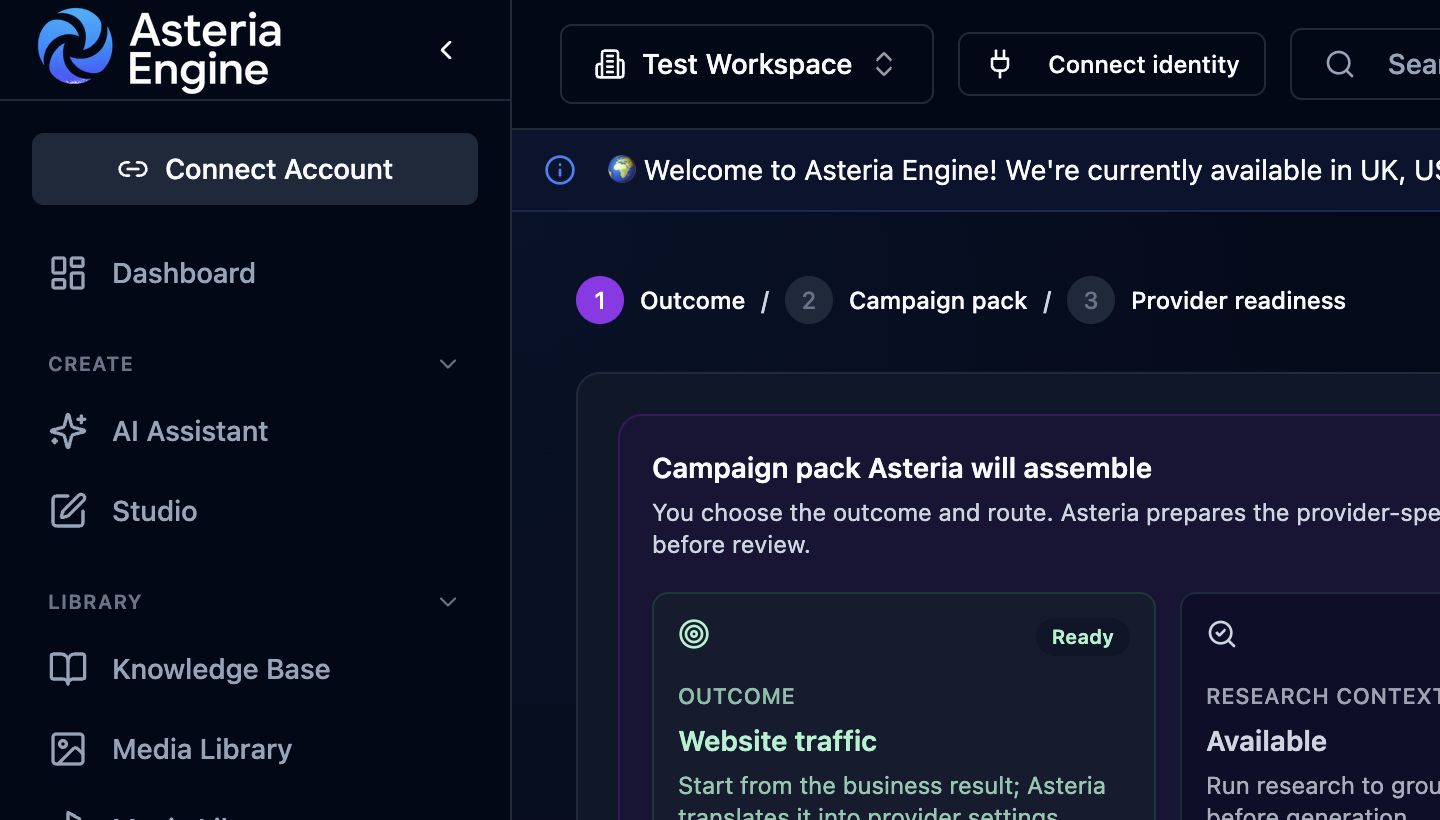
 Ad intelligence starts with the campaign outcome, continues through the campaign pack, and ends with publishing checks.
Overview
Ad Intelligence supports the paid-campaign cycle inside Asteria Engine: create the campaign, monitor delivery, identify performance issues, review recommendations, approve or automate permitted changes, and use the results to inform the next decision.
It highlights useful outcomes, inefficient spend, and the next changes worth reviewing so performance data can inform campaign decisions.
What Asteria monitors
Ad Intelligence can use synced metrics such as:
- impressions, reach, clicks, CTR, CPC, CPM, frequency, spend, and conversions
- cost per result and conversion rate
- platform, objective, CTA, topic, angle, search theme, and audience signal
- asset type, creative format, and campaign age
- lead or revenue outcomes when conversion tracking is configured
Asteria interprets metrics against the selected objective. For example, a traffic campaign with many clicks but no sign-ups is not healthy simply because its CTR is high.
Recommendations
Asteria can recommend actions such as:
- increase or decrease budget within provider limits
- pause poor performers
- rotate tired creative
- test a sharper offer or landing path
- refine audience signals
- shift budget toward lower cost per result
- generate a replacement campaign pack
Each recommendation includes a plain-English reason so the decision can be reviewed without interpreting raw ad metrics alone.
Choose how changes are approved
Use your workspace settings to decide whether campaign changes are suggested, held for approval, or applied automatically within the limits you choose.
Available options can include:
- manual review, where Asteria recommends an action and a team member decides
- approval required, where Asteria prepares changes but waits for sign-off
- auto-apply low-risk changes, where safe changes can be applied inside strict limits
High-risk changes, provider-sensitive budget changes, and live creative changes remain review-gated unless the workspace explicitly allows that automation.
Set budget limits
Budget and automation settings can include:
- master monthly budget
- provider budget caps
- max daily change
- freeze period for new campaigns
- minimum impressions or clicks before evaluation
- spend without conversion threshold
- approval thresholds
- test mode
Provider behaviour matters. Meta can be sensitive to frequent budget edits, Google Ads uses daily average budgets, and LinkedIn clicks can be expensive. Configure thresholds for each provider rather than copying them from another channel.
Review change history
Use the change history to review recommendations, approvals, blocked actions, applied changes, and subsequent campaign results.
Good audit entries answer:
- what changed
- why it changed
- who approved it
- whether the provider accepted it
- what happened after the change