Overview
Lead nurture turns useful social conversations into trackable follow-up. When someone asks for pricing, a quote, a demo, a call, or service availability, Asteria can record the lead and route the next action to the workspace team.
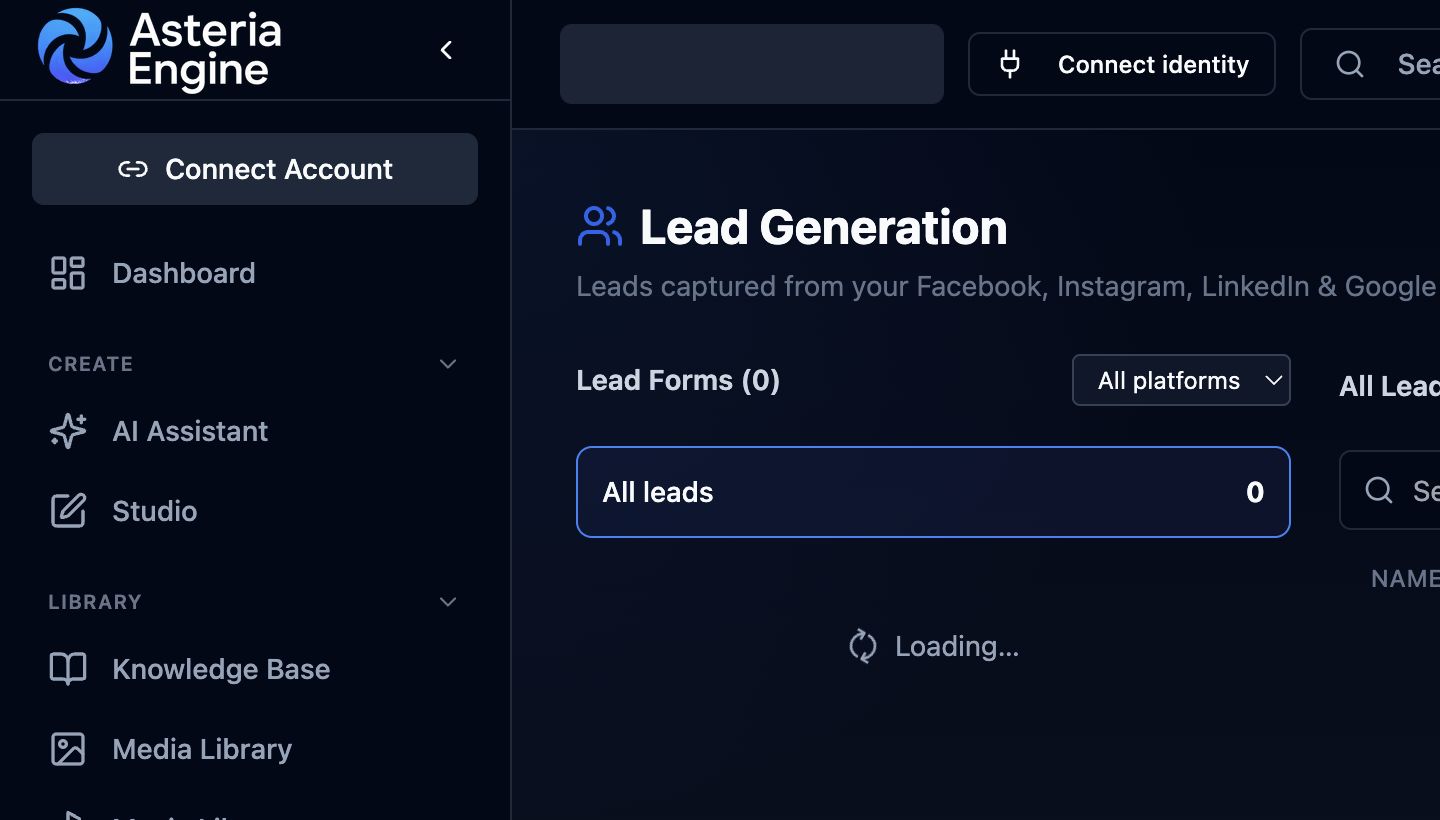 1. Filter by platform. 2. Select a form or All leads to review captured records.
What counts as lead intent
Lead intent can include:
- asking for pricing or cost
- asking for a quote
- asking to book a demo or call
- asking whether a service is available
- sharing an email address or phone number
- asking how to sign up
- asking for a proposal, plan, or consultation
Reply assistance uses the available business context to answer the question and offer an appropriate next step.
Lead details
Depending on workspace settings, a lead record can include:
- name, if available
- email address
- optional phone number if the user prefers a call
- what they need
- useful qualifying details
- preferred follow-up route
Phone is optional unless the business has configured phone follow-up as required.
Contact intelligence
Contact intelligence provides approved destinations and contact details:
- sign-up URLs
- booking URLs
- quote URLs
- phone numbers
- contact forms
- support emails
- pricing pages
- offer pages
If exact information is missing, Asteria can ask a sensible follow-up question or route the conversation to a human.
Notifications and lead records
When a lead is captured, Asteria can:
- create or update a lead record
- attach the conversation and platform context
- notify the right workspace users
- include the user’s stated need and contact details
- keep follow-up status visible
This keeps the follow-up promise connected to a visible team action.
Good lead replies
Good lead replies are specific, honest, and action-oriented. Use a follow-up promise only after Asteria Engine has created the lead record or notified the responsible team member.
When verified pricing or a pricing page exists in the workspace context, reply assistance can reference it. For scope-dependent pricing, capture the details needed for a quote and route the conversation to the appropriate follow-up path.