Overview
Content Series groups related posts into a repeatable plan. Approvals controls whether work is ready to move from drafting into scheduled execution. Use them together when a campaign needs both continuity and review accountability.
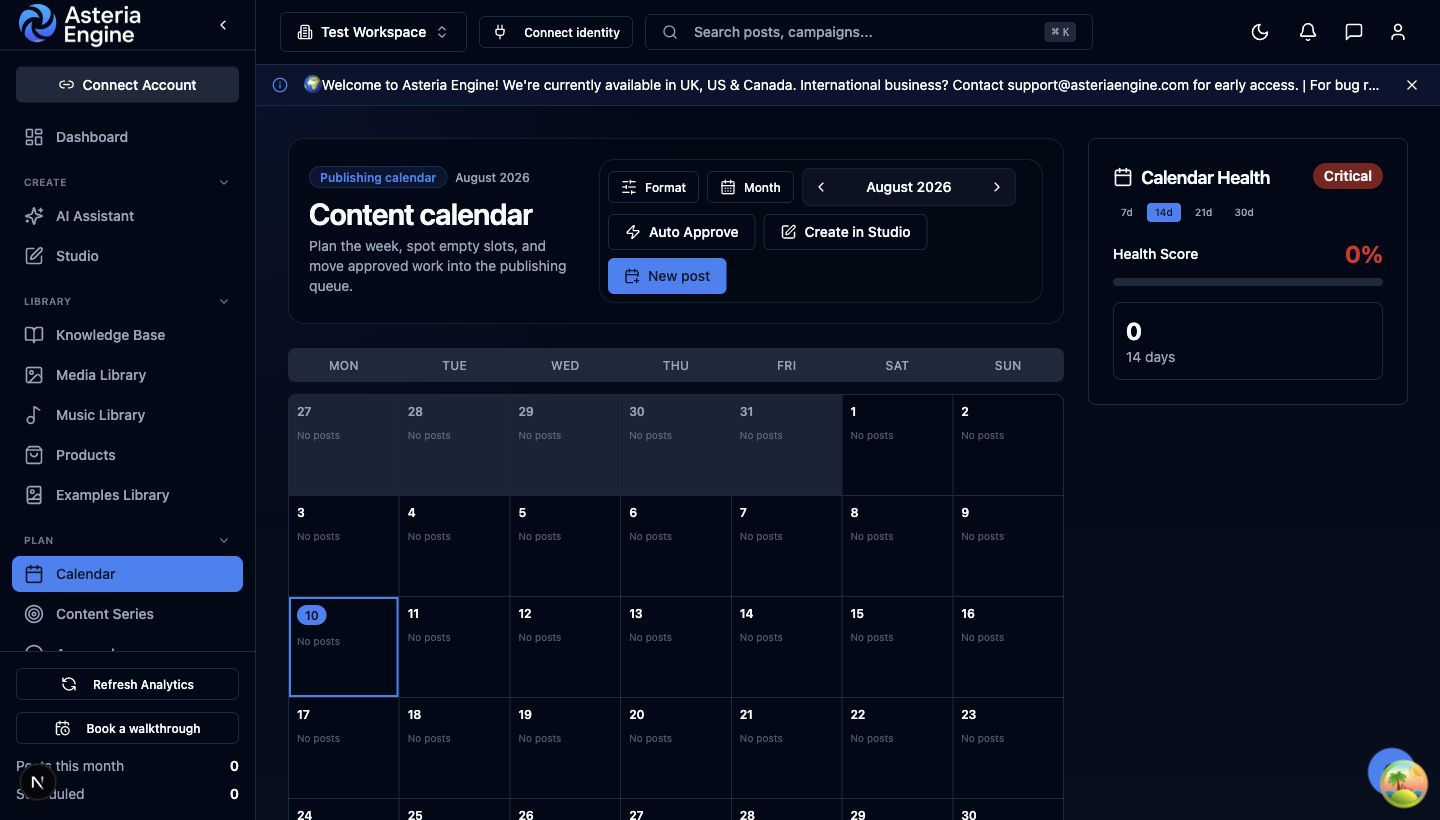 1. Review the publishing period. 2. Confirm approved posts appear on the intended dates.
Create a Content Series
- Open Content Series under Plan.
- Select the create action.
- Give the series a clear name and purpose.
- Add or create posts that belong to the same campaign, theme, or recurring format.
- Review the series as a unit before changing individual publishing dates.
Use one series for one coherent initiative. Avoid creating a series that simply contains every post in the workspace.
Use Approvals
Open Approvals under Plan to review workspace approval workflows. The active workspace must be selected.
A practical workflow is:
- an Editor prepares the content
- a Manager or Owner reviews the post and its media
- requested revisions return to the creator with clear context
- approved content moves into the calendar or publishing queue
Approval does not replace a final check of destination, timing, links, claims, and media rights.