Overview
Reviews are useful social proof, but they should not be pushed to social feeds blindly.
Asteria Engine can import customer reviews, apply a quality gate, and turn strong reviews into draft posts. The purpose is to help businesses reuse trust signals while keeping a human in control of what gets published.
Supported Review Sources
Asteria can work with review sources where the workspace has the right connection or import path:
- Google Business Profile
- Trustpilot
- Trustindex
- manual or custom review ingestion
Available review sources depend on the accounts connected to your workspace and the permissions granted by each service. If new reviews do not appear automatically, use Sync reviews.
Syncing Reviews
Use Sync reviews to pull available reviews into the workspace.
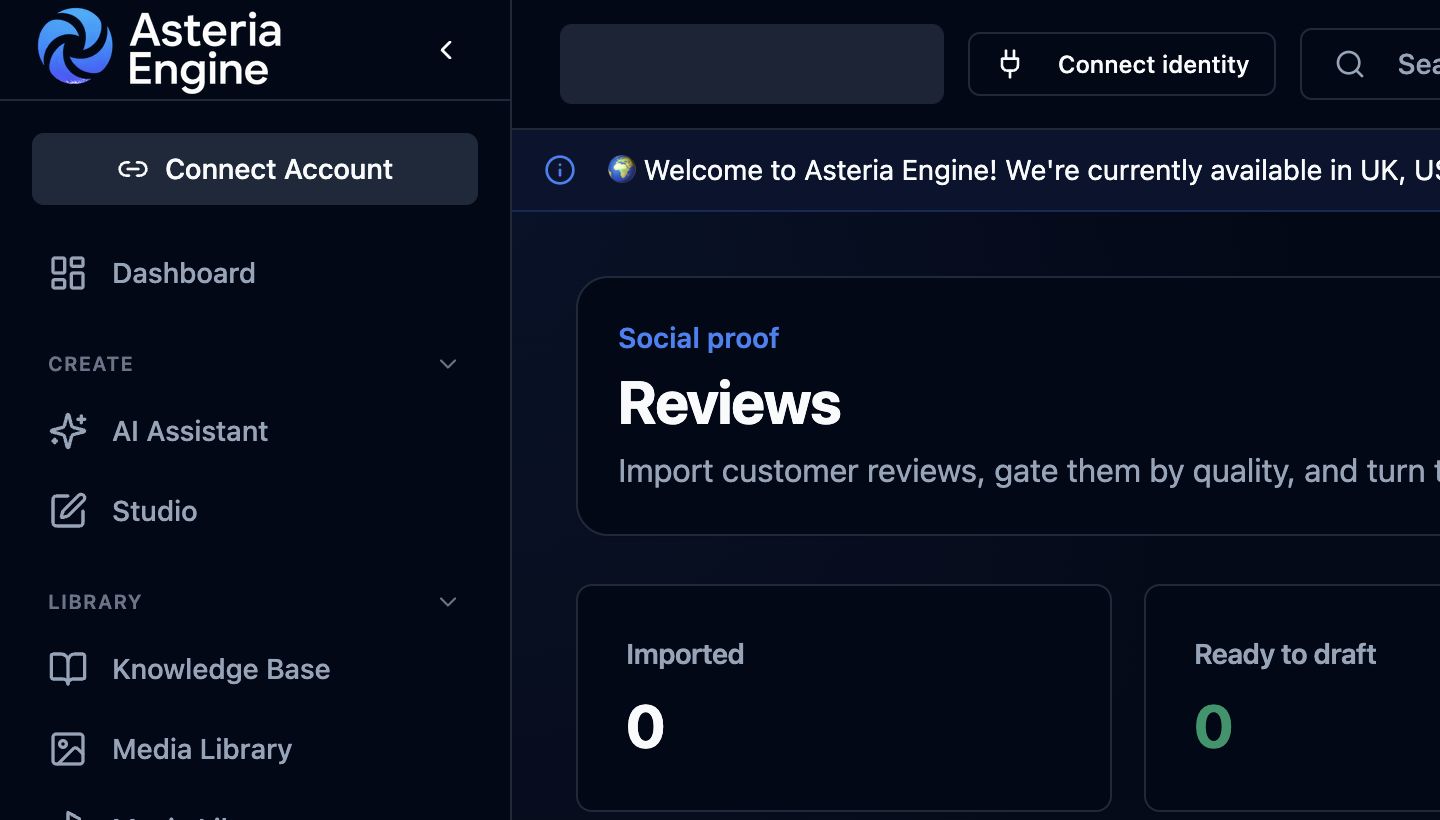 1. Open Reviews under Engage. 2. Review the Imported and Ready to draft totals before creating posts.
Each imported review includes source context such as:
- source provider
- rating
- review text
- reviewer name where available
- review date
- status
The review remains separate from posts until a draft is created.
Choose the minimum rating
The review page uses the minimum review rating selected in Settings > Brand Voice.
For example, a business may decide that only 4-star and 5-star reviews should become draft posts. Lower-rated reviews can still be imported for visibility, but they should not be promoted automatically.
This protects customers from accidentally turning poor reviews into marketing content.
Create drafts from eligible reviews
Use Draft eligible to create post drafts from reviews that meet the minimum rating.
Asteria builds the draft around the review itself:
- the caption references the customer outcome or review theme
- the media presents the review as social proof
- the post preserves the rating and reviewer statement without exaggeration
- the result remains a draft until it is reviewed
Single Review Drafts
You can also create a draft from one review.
This is useful when:
- a review is especially detailed
- the review mentions a specific product or service
- the business wants to use one review in a campaign
- the team wants to control exactly which review becomes a post
Dismissing Reviews
Dismiss a review when it should not be used for content.
Good reasons to dismiss:
- the rating is too low
- the review is too vague
- the review contains private details
- the review is off-brand
- the business has already used it elsewhere
Google Business Profile Review Notifications
Google Business Profile can notify Asteria Engine about new or updated reviews when the connected account supports review notifications.
Workspace administrators can enable GBP review notifications from the Google Business Profile settings. Confirm the notification setting after connecting a new GBP location.
Human Review Before Publishing
Review posts begin as drafts.
Before publishing, check:
- rating threshold
- review text accuracy
- reviewer privacy
- spelling and formatting
- whether the generated image clearly represents the review
- whether the selected platform is suitable
Related Guides
- Google Business Profile Setup Guide
- Inbox & Engagement Guide
- Brand Types Guide
- Analytics & Reporting Guide