Overview
Content Strategy defines what the workspace should talk about and why. AI Voice Training improves how generated language sounds. Brand Voice, Example Posts, Content Strategy, and AI Voice Training are related, but they serve different purposes.
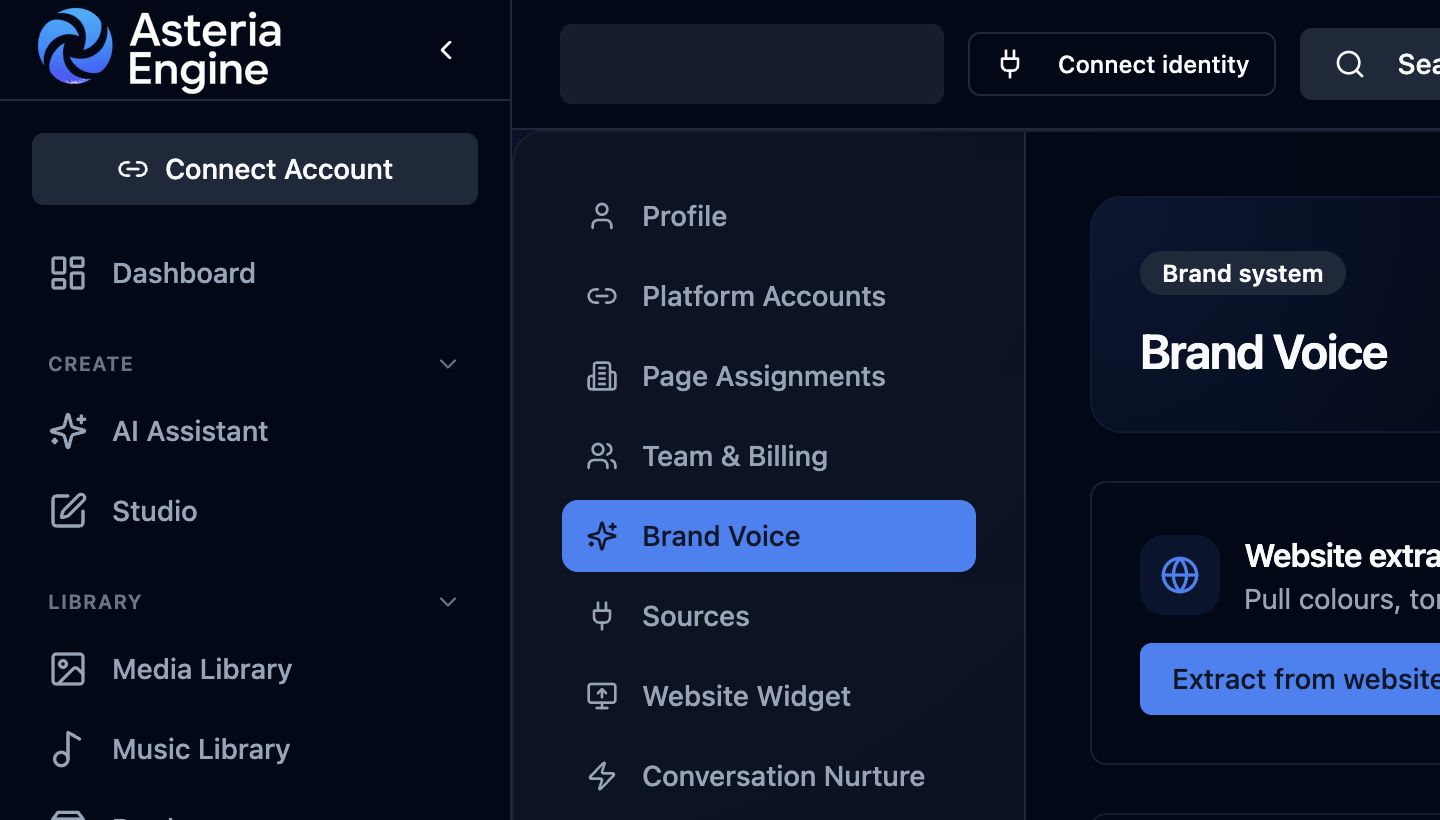 1. Open Brand Voice in Settings. 2. Review the extracted context and guardrails before generating content.
Content Strategy
Open Settings, then Content Strategy. Use the strategy plan to document the audience, objectives, themes, priorities, and operating direction that should guide content decisions.
Keep the strategy concrete enough to influence briefs. Review it when the business changes rather than rewriting it for every individual post.
AI Voice Training
Where your plan includes it, open Settings, then AI Voice Training. Follow the on-screen recording and training workflow in a quiet environment, using an authorised speaker and content they are comfortable providing.
AI voice output must be reviewed before publishing. Do not imitate another person or use a voice without clear permission. Availability can depend on plan and provider support.
How the Settings Work Together
- Brand Voice controls written identity and guardrails.
- Example Posts provide reference patterns.
- Content Strategy supplies priorities and direction.
- AI Voice Training supplies an authorised voice profile for supported audio workflows.