Overview
The Product Library helps ecommerce and product-led businesses turn real products into social content without manually rebuilding the same context every time.
Asteria Engine can import products from a website scan, product feed, or supported ecommerce connection. The Product Library gives AI-assisted workflows the product context needed to create relevant captions, media, hashtags, and draft posts.
What the Product Library Stores
Product assets can include:
- product name
- description
- product URL or buy URL
- source website or feed
- product image
- product DNA, such as form factor, colours, dimensions, installation type, and important usage rules
- primary product marker
- source metadata from ecommerce imports
Asteria uses the product image as a reference for generated media and uses the description and URL as commercial context for captions and CTAs.
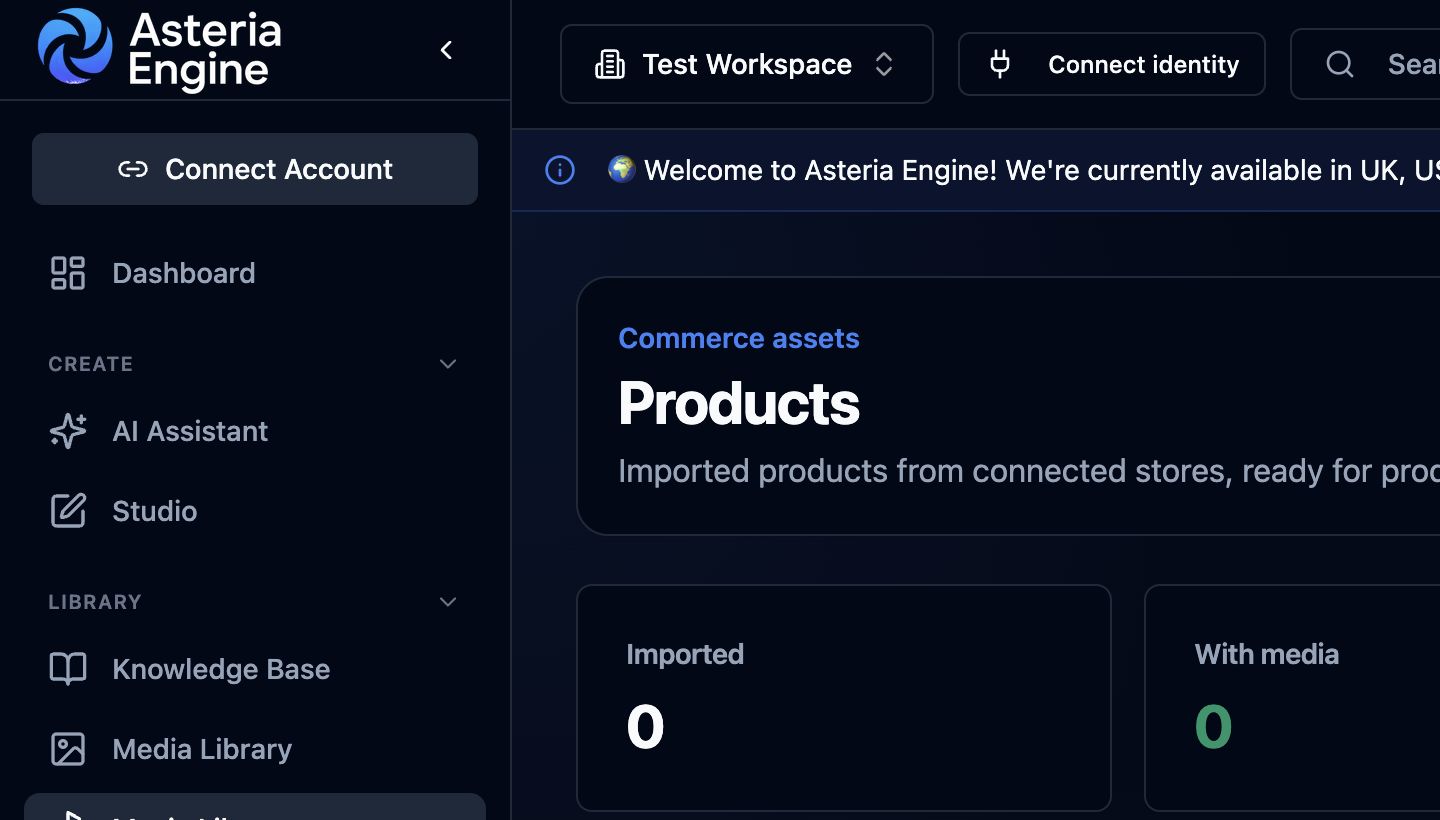 1. Review imported products. 2. Check media coverage before creating product-led content.
Import Options
Scan website
Use website scan when the products are visible on the public website.
Asteria crawls product-like pages, imports usable product records, and stores the product images and URLs it can resolve. This is useful for smaller shops, brochure ecommerce pages, or product catalogues that do not expose a clean feed.
Import product feed
Use feed import when the shop exposes a structured product feed.
This is usually better for larger catalogues because the product names, URLs, descriptions, and images are already organised.
Direct ingestion
Connected ecommerce sources can add new products to the library when that option is available for the integration.
Where supported, Asteria can create a draft product post automatically when a new product arrives.
Creating Product Posts
When a post is created from a product, Asteria uses the available:
- the product name
- product description
- product URL or buy URL
- product image as a reference
- product DNA
- workspace brand voice
- connected platform account context
- platform-specific caption and hashtag rules
Generated media uses the product image and Product DNA as references. Always verify that the result preserves the actual product before publishing.
Choosing Connected Accounts
For manual product post creation, select the connected accounts that should receive the draft.
This lets one product create separate platform-aware drafts for channels such as Instagram, TikTok, Facebook, LinkedIn, Google Business Profile, or X where the workspace has connected accounts.
Product Rotation
When a specific product is selected or named, Asteria uses that product record.
For general product content, Asteria matches named products first and otherwise rotates through eligible records instead of repeatedly choosing the first item.
For large catalogues, this matters. A shop with hundreds of products should not have one primary product appear in every AI-generated post unless the user explicitly asks for it.
Product DNA
Product DNA makes the media agent safer and more accurate.
Examples:
- A wall-mounted air purifier should appear mounted on a wall, not sitting on the floor or placed next to children.
- A bracelet should remain recognisable as the same bracelet, not become a wallet, watch, or unrelated leather item.
- A small device should keep realistic scale instead of becoming oversized.
Good product DNA includes:
- form factor
- real-world dimensions
- installation type
- colour palette
- usage environment
- safety or placement constraints
- details the AI must preserve
Automatic Drafts for New Products
New-product automation creates drafts for review; it does not publish imported products automatically.
Before publishing, review:
- whether the product is accurate
- whether the caption is specific enough
- whether the media preserves the product
- whether the CTA URL is correct
- whether the selected channel is appropriate
Hashtags for Product Posts
Asteria builds product hashtag suggestions from the product category, brand voice, platform, and available workspace performance signals.
Avoid generic filler hashtags when the product has a clear audience or use case.
Good hashtag inputs include:
- product type
- use case
- audience
- location if relevant
- brand or collection name
- performance-proven workspace hashtags
Related Guides
- Brand Types Guide
- AI Content Generation Guide
- Studio Media Generation Guide
- Fix Image Generation Problems