Overview
In Studio, content pillars and story angles should not be treated as the same thing.
They solve different planning problems.
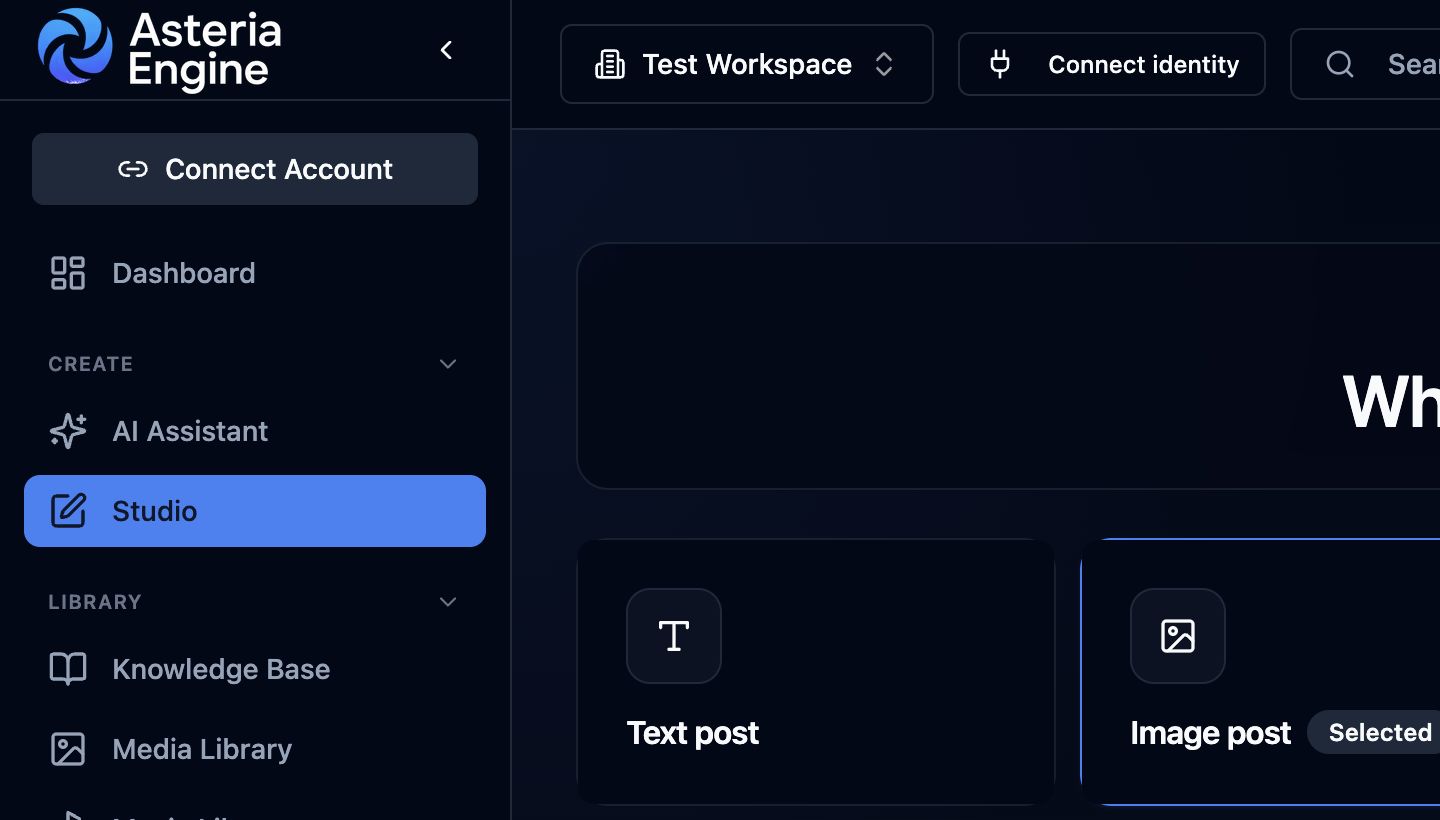 1. Open Studio. 2. Choose the post format. 3. Continue to define the content job, pillar, and story angle.
- pillar = what the content is about
- story angle = how the content is told
If those two are blurred together, prompts become vague and repetitive.
What a Content Pillar Does
A content pillar gives the post a topic lane.
Examples might include:
- cybersecurity
- lead generation
- managed IT
- prayer and faith
- community updates
- product education
A strong pillar keeps the content relevant to the wider strategy instead of letting every post become an isolated idea.
What a Story Angle Does
A story angle determines the narrative frame.
Examples include:
- proof
- myth
- case study
- insight
- awareness
- transformation
- how-to
- benefit
The same pillar can produce several distinct posts when the angle changes.
Example:
- pillar: cybersecurity
- angle: proof
- angle: awareness
- angle: case study
That is how the team avoids monotony while staying on strategy.
Why Studio Needs Both
Studio is a production workspace, so it needs more than one-dimensional prompt guidance.
If you only choose a format and platform, the result can become generic. Pillars and angles improve the prompt before generation begins.
That means:
- better media prompts
- stronger caption direction
- more variety across a series
- less repeated output from the same account
Funnel Context Matters Too
When available, the pillar label can also include funnel context such as:
- TOFU
- MOFU
- BOFU
That helps you decide whether the post is:
- awareness-led
- consideration-led
- conversion-led
This is useful because the same pillar can still need a different tone and CTA depending on funnel position.
Practical Workflow
A useful Studio flow is:
- choose the pillar first
- choose the story angle second
- review the current brief
- design the media prompt
- generate the asset
- write or refine the caption
That ordering usually gives the prompt more structure than starting from a raw visual idea alone.
How This Helps Agencies and Lean Teams
For agencies, pillars help preserve campaign direction across clients.
For founder-led brands and lean in-house teams, they provide a repeatable starting point and keep the content plan coherent.
Angles then create enough variety that the team can stay inside the same pillar without repeating the same post shape over and over.
Best Practice
Do not create a Studio brief that only says:
- platform
- content type
- one vague prompt line
A stronger brief usually includes:
- pillar focus
- story angle
- audience or market context
- caption goal
- media goal
- CTA direction
That gives the workflow enough structure to produce usable output.
Related Guides
- Studio overview
- Studio media generation guide
- AI content generation guide