

01 · REFINE
Keep what works. Replace what does not.
Generated films, imported images and the latest working prompt stay close enough to compare without rebuilding the brief.

Create
One direction, many finished forms
Most teams still create social content by jumping between prompt boxes, design tools, notes, spreadsheets, review messages, and publishing screens. Asteria Engine Studio exists to remove that fragmentation for organic production.
Use Studio when the team needs a real production surface, not another isolated caption or image tool.
Studio production surface
Studio keeps the goal, prompt, caption, generated asset, references, and saved version attached while the team iterates.
Studio production surface
Production path
Idea to asset
Turn one content idea into a complete social asset package
Start with the campaign angle, pillar, and platform context.
Generate captions, images, videos, carousels, and documents from the same surface.
Save the approved version with the context needed for publishing.
Brief
Linked
Assets
Linked
Approval
Linked
Before
After
The work stays together
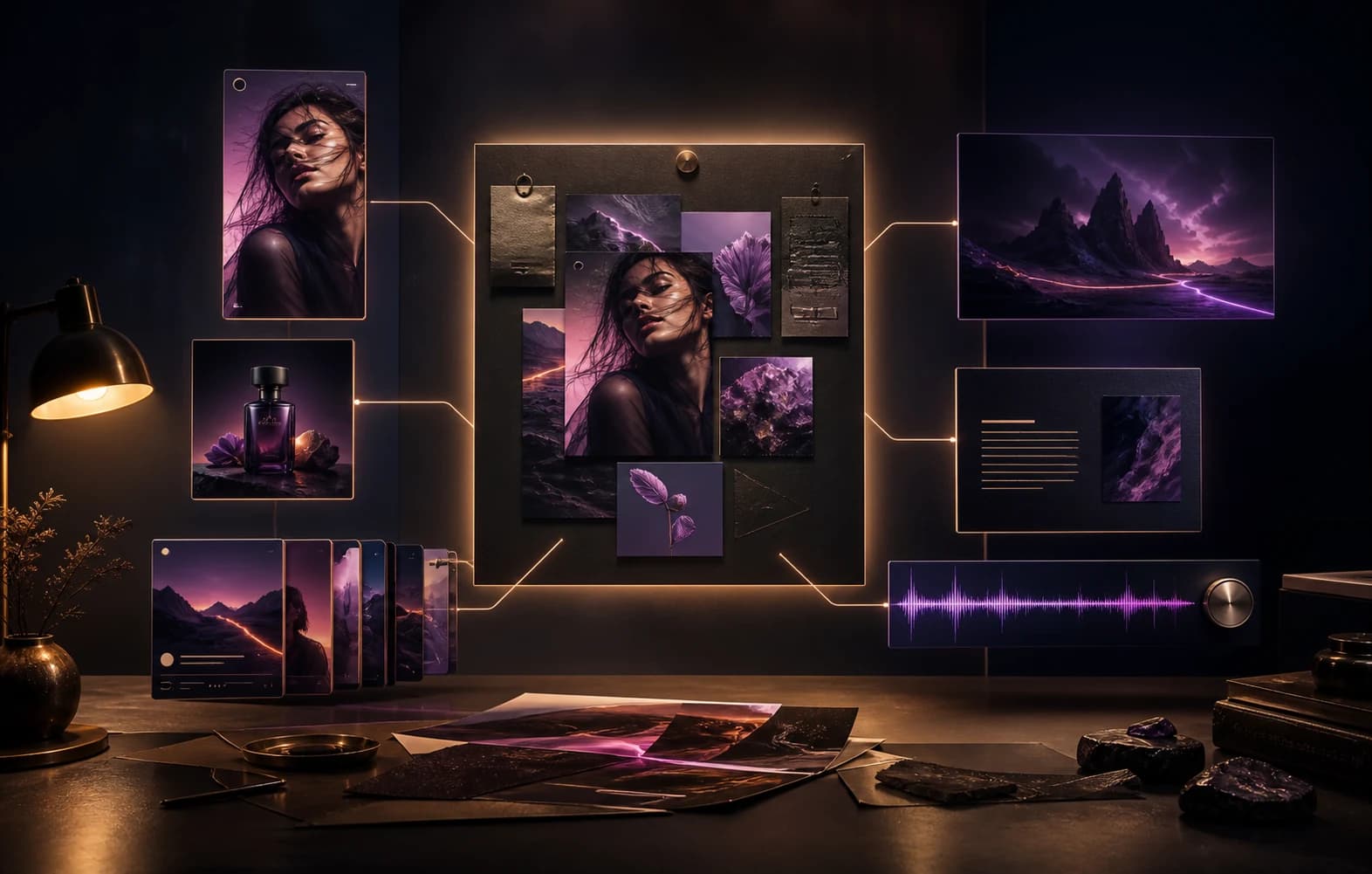
The brief, visual options, working direction, channel preview and final decision remain visible as the work develops.
01 · REFINE
Generated films, imported images and the latest working prompt stay close enough to compare without rebuilding the brief.
02 · PREVIEW
Check the message, media and format together before choosing a time.
03 · APPROVE
Check the voice, approve and schedule, reject, or return to Studio for another pass.
01
A caption generator solves one narrow task. Asteria Engine Studio is built around the full production workflow. It keeps the media prompt, the generated asset, the caption draft, research, and approval context in one place. That matters because the quality problem is rarely “write me one caption”. The quality problem is usually “produce the right asset and caption together, in the right format, with enough control to publish confidently.”
That is why Studio is positioned as an AI content studio rather than a single-purpose generation box. It is meant for teams that need production discipline as much as they need speed.
02
Studio brings together media generation, caption drafting, research, design passes, story angles, content pillars, and asset management. Instead of bouncing between separate tools, the team can move from brief to working asset inside one controlled session.
03
Studio is the organic production surface. It is best for posts, videos, carousels, documents, captions, and platform previews. Ad Studio is the paid campaign surface. It adds objectives, CTAs, route fields, provider-specific asset packs, targeting signals, budget checks, and publish readiness.
The distinction matters because social posts and paid campaigns are not the same workflow. Asteria keeps both connected through shared brand intelligence while giving each one the controls it needs.
04
Agencies and small internal teams do not usually fail because they lack tools. They fail because the workflow becomes fragmented, slow, and hard to control. Studio matters when the same person or small team has to keep the brief, asset, caption, review, and platform-fit decisions aligned under time pressure.
That is where a dedicated Studio workflow is more useful than adding another AI generator to an already fragmented stack.
05
Studio supports image posts, videos, carousels, and document-style assets in the same product surface. That makes it more useful for social teams that need to turn one campaign idea into several publishable formats rather than treating every asset type as a separate process.
The practical value is not novelty. It is keeping the briefing and packaging work stable while the output format changes.
06
Compare whether the product keeps research, asset generation, caption writing, brand control, workflow actions, and platform settings connected. If those steps still live in separate products or browser tabs, the team is still carrying coordination cost that software should have removed.
It is Asteria’s dedicated production workspace for turning one post idea into a designed media prompt, a generated asset, a refined caption, and an approval-ready saved version.
No. Studio keeps media generation, caption writing, research, story angles, and workflow actions together so the team can produce a complete post package.
It is most useful for agencies, founder-led brands, and lean internal teams that need more control than a simple prompt box but do not want a fragmented production workflow.
See how the connected workflow reduces repeated production work.
If your team is still stitching together prompts, design passes, and approvals across multiple tools, review the docs and pricing, then compare Studio against your current production path.