Overview
Workspace Settings controls the account, connection, brand, automation, and delivery configuration used across Asteria Engine. Some sections are visible only to permitted roles or qualifying plans.
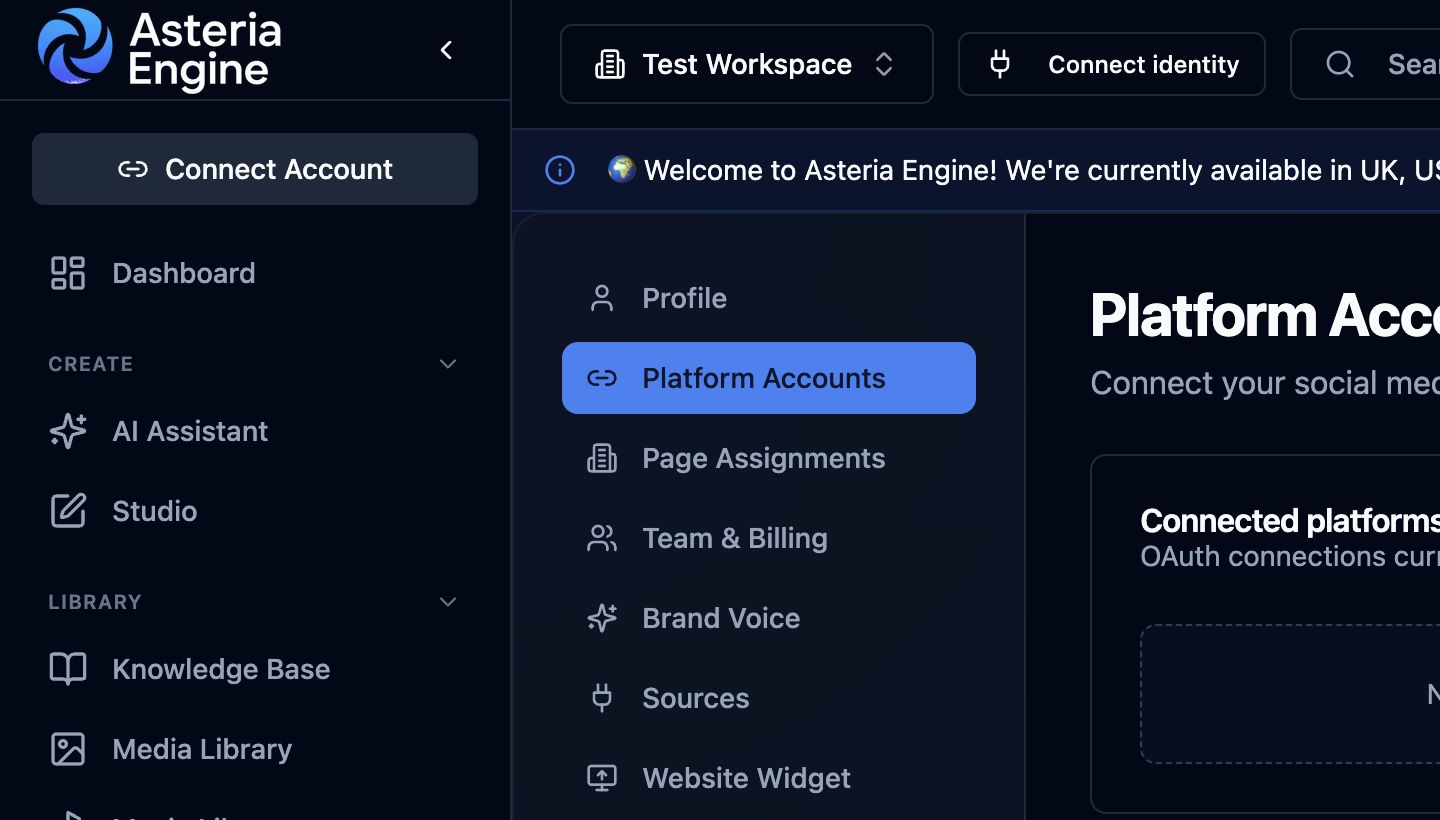 Open Platform Accounts to review, reconnect, or remove a channel connection.
Core Settings Areas
- Profile: maintain your personal account details and contact information.
- Platform Accounts: connect, reconnect, and inspect social or business providers.
- Page Assignments: choose which provider pages, profiles, or channels are active in the workspace.
- Team & Billing: manage members, invitations, plan access, and billing actions available to the owner.
- Brand Voice: configure brand context, tone, proof, products, and guardrails.
- Sources: manage available source connections and review-source automation settings.
- Website Widget: configure the public website conversation surface.
- Conversation Nurture: control eligible follow-up and lead-capture behaviour.
- Content Strategy: maintain the workspace content direction.
- AI Voice Training: create an authorised voice profile where included in the plan.
- Notifications: choose supported email, SMS, and browser push delivery.
- Security: configure MFA and backup-code controls.
- Affiliate and Analytics Reports: manage these workspace programmes where enabled.
Page Assignments
A valid provider connection does not automatically mean every page or channel should be active. Review Page Assignments after connecting a provider, when a new page is added, or when a channel appears connected but unavailable elsewhere in the product.
Sources
Use Sources to review which external inputs are available and which sources can participate in supported review or drafting workflows. Only connect sources the workspace is authorised to use.
Usage and Plan Limits
Open Usage or Team & Billing to review the limits and access attached to the current plan. Usage availability can affect AI generation, premium models, social accounts, storage, or advanced workflows. The plan and limits shown in the application reflect the active subscription.