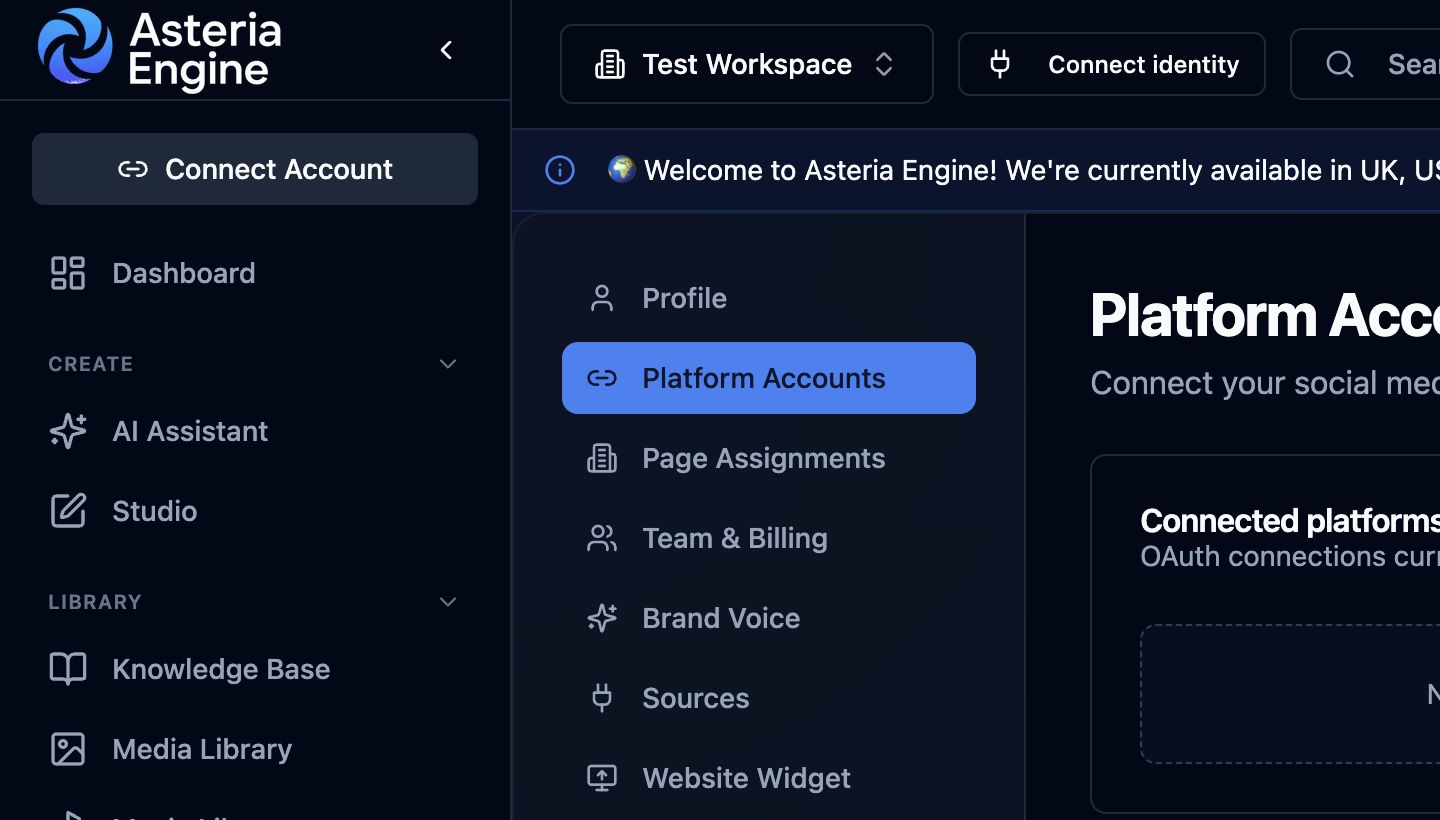
 Open Platform Accounts first when diagnosing a provider connection or permission problem.
Overview
This guide helps you diagnose platform-specific issues without collapsing everything into the generic idea that “publishing is broken.” In most cases, the problem is not the same across every network. It is tied to one platform’s permissions, asset requirements, account state, or native policy behaviour.
Use this guide when the failure is clearly linked to a particular social network. If the issue is more general, start with the Common Issues & Troubleshooting Guide instead.
How to Use This Guide
Before choosing a platform section, identify the action that is failing:
- the channel will not connect
- the channel is connected but posts fail
- the content publishes but performs poorly or displays badly
- analytics or status data looks incomplete
- the native platform is restricting or overriding the requested action
That distinction matters. A connection problem is not the same as a content rejection problem.
LinkedIn Issues
Page access problems
If LinkedIn will not let the workspace publish to a page, confirm the account used in the connection flow really controls the page at the required level.
This is usually a permissions issue rather than an Asteria issue.
Posts publish but reach is weak
That is often not a technical failure. LinkedIn reach is affected by:
- page maturity
- topic relevance
- posting time
- early engagement behaviour
- whether the content sounds genuinely useful to the target audience
Treat poor reach as a strategy and content question first, not only as a connection problem.
Reconnection problems
If the page connection expires, reconnect it cleanly and then confirm the page still appears exactly as expected in the workspace.
Facebook and Instagram Issues
Instagram account does not appear
This usually points to a Meta-side relationship problem:
- the Instagram account is not linked properly to the Facebook Page
- the wrong Meta user is authorising the connection
- the account type or access state is wrong
Fix the Meta relationship first. Then reconnect.
Posts fail on Instagram
The most common operational causes are:
- asset ratio or quality issues
- account restrictions or state issues
- a weak or incompatible media configuration
- general Meta-side connection drift
Instagram failures are often more media-sensitive than Facebook failures.
Link previews or Facebook display problems
Facebook-native preview behaviour can depend on how the destination page exposes metadata. If a link display looks wrong, validate the page metadata and test the URL in Meta’s own debugging tools where necessary.
X Issues
The account connects but behaves unreliably
This usually means the X-side account or access tier deserves another look. X often introduces more commercial and policy friction than other platforms.
Repetition or posting rejection
X is more sensitive than some networks to repeated copy, policy state, or constrained access conditions. If a post fails there but works everywhere else, treat X as its own environment rather than assuming a universal bug.
Rate or account-state issues
If the account is rate-limited or operationally restricted, reduce retries and review the platform context first.
TikTok Issues
The channel cannot complete setup
TikTok failures are often approval-state or account-type issues before they are anything else.
Check:
- the account is configured correctly
- the approval or eligibility requirements are satisfied
- the authorising user is the right one
Videos fail or underperform badly
Separate technical failure from content failure.
Technical failure usually points to:
- asset format or size
- account state
- connection health
Commercial underperformance usually points to:
- weak hook
- weak vertical creative
- content that does not fit how TikTok audiences behave
YouTube Issues
Wrong Google account or wrong channel context
This is one of the most common YouTube setup issues. The problem is often not the upload flow itself. It is that the wrong account or wrong channel identity was used during setup.
Upload or metadata issues
If uploads fail or metadata behaves unexpectedly, review:
- channel connection state
- file readiness
- whether the correct channel is actually selected
- whether the task should partly be handled in YouTube Studio instead
Native YouTube behaviour versus app behaviour
Some channel-specific controls remain in YouTube Studio. If the affected setting is not available in Asteria Engine, review it in YouTube Studio.
Cross-Platform Reality
Same content, different outcomes
This is normal. Each platform rewards different behaviour, different formats, and different timing patterns.
Do not assume:
- the same caption should perform everywhere
- the same asset ratio is always suitable
- the same CTA should work across every channel
Use platform differences as signal, not frustration.
Cross-posting carefully
The more serious approach is usually to adapt content per platform rather than duplicating it lazily everywhere.
That means reviewing:
- caption length
- hook style
- hashtags
- image framing
- platform-specific tone
Asteria Engine unifies the workflow, while each post still needs the context and format appropriate to its destination.
When the Platform Itself Is the Problem
Sometimes the issue is outside Asteria completely.
Clues include:
- platform-wide outages
- unexpected native account warnings
- sudden policy changes
- errors affecting only one network in a clearly external way
When that happens:
- stop retrying blindly
- confirm whether the platform is degraded
- preserve the draft or schedule intent
- reschedule when the platform state is healthier
Recommended Next Steps
Use this guide alongside:
- Common Issues & Troubleshooting Guide
- Analytics Guide
- Security Guide
- the relevant platform setup guide for the affected channel
The goal is not to memorise every platform quirk. It is to identify the failure category quickly and respond at the right layer.