
AI Video Content Studio for Teams That Need More Than a Raw Text-to-Video Prompt

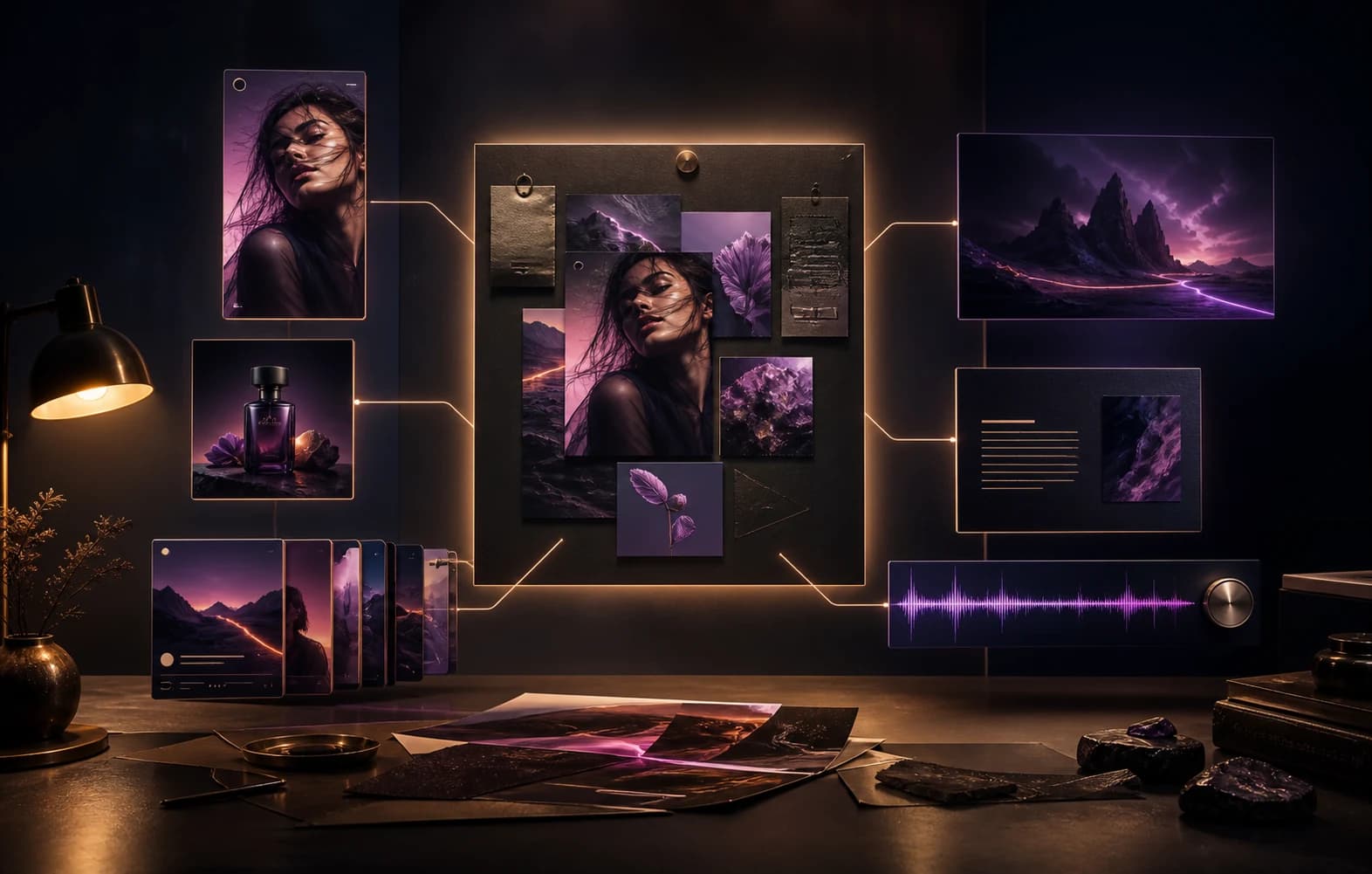
One creative direction unfolding into video, image, carousel and soundtrack formats

Create

One direction, many finished forms

Short-form video production breaks down when the team has to manage prompt quality, reference images, aspect ratios, durations, overlays, and final packaging across separate tools. An AI video content studio should keep those decisions connected.

Use Studio to generate social videos with the same control you expect from a serious production workflow.

01Know what to say
02Create the campaign
03Keep the final say

Studio production surface

Turn one content idea into a complete social asset package

Studio keeps the goal, prompt, caption, generated asset, references, and saved version attached while the team iterates.

Studio production surface

Production path

Idea to asset

Turn one content idea into a complete social asset package

Brief

Start with the campaign angle, pillar, and platform context.

In flow

Create

Generate captions, images, videos, carousels, and documents from the same surface.

In flow

Package

Save the approved version with the context needed for publishing.

Ready

Brief

Linked

Assets

Linked

Approval

Linked

Before

Fragmented production

  • Prompt in one tab
  • Asset in another tool
  • Caption and approval detached from context

After

Studio production

  • Goal, prompt, asset, caption, and saved version stay together
  • The team iterates without rebuilding context
  • Approved packages can move into publishing deliberately
01Support video-specific aspect ratios, durations, and generation options
02Use founder headshots, creator character sheets, and start-frame references inside the Studio path
03Keep video prompt, generated asset, overlays, and caption workflow tied to one session

01

Why video needs a stronger workflow than image generation

Video introduces more operational risk than image generation. The team has to manage duration, aspect ratio, continuity, references, audio expectations, overlays, and brand safety while still producing something that feels platform-ready. That usually breaks down when video generation is treated as a standalone novelty feature.

Asteria Engine Studio is more useful when it behaves like a video production workspace rather than a raw text-to-video endpoint.

02

What a useful AI video studio should control

A useful video workflow should preserve the designed prompt, keep platform account defaults in play, support identity references where needed, and finish the result with the right brand treatments. That is the practical difference between a demo and a usable workflow.

  • Control aspect ratio and duration from the same session
  • Use founder or creator identity references where required
  • Apply brand-safe video finishing such as overlays and logo rules
  • Keep the final video attached to the Studio session for review and replacement

03

Why this matters for social teams

Video is usually where production fragmentation becomes most expensive. If operators have to leave the main workflow every time the format changes from image to video, throughput drops and consistency gets worse. A dedicated video-capable Studio path matters because it keeps the production logic stable while the media type changes.

Questions, answered.

Can Studio generate social videos with brand references?+

Yes. Studio can use founder headshots, creator character sheets, and start-frame references when those identity and workspace settings exist.

Why not just use a generic text-to-video tool?+

Because the real problem is usually not generating one clip. It is keeping prompt direction, brand treatment, caption packaging, and platform fit stable enough to publish confidently.

Related pages

See whether Studio is the right video workflow

If your team needs social video generation with stronger brand and workflow control, compare Studio against the way you currently generate and package video content.