
AI Music Selection for Generated Video, Built Into the Reel Workflow

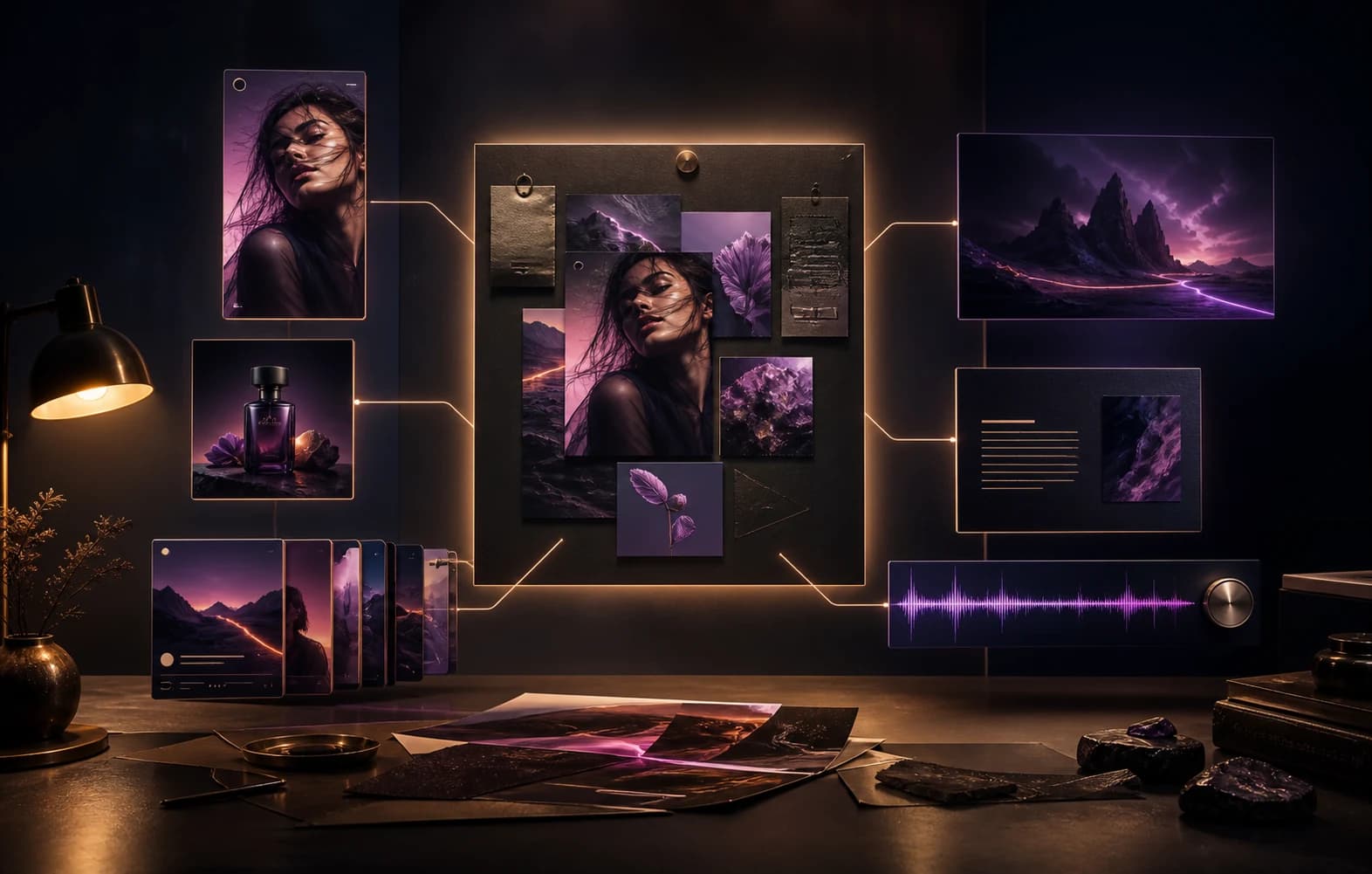
One creative direction unfolding into video, image, carousel and soundtrack formats

Create

One direction, many finished forms

Picking music for a reel is usually either a licensing risk or a guessing game with generic stock tracks. Inside Asteria's video workflow, music selection is treated as part of production rather than an afterthought bolted on after the clip is rendered.

Choose from an AI-composed music library, informed by what is actually trending on the target platform, and control exactly which section of the track plays.

01Know what to say
02Create the campaign
03Keep the final say

Your social media team, without the team

Asteria works like five social roles inside one controlled workflow

Strategist, copywriter, designer, scheduler, and analyst stay connected so a lean team can ship social campaigns with less operational drag.

Your social media team, without the team

Virtual team

5 roles

Asteria works like five social roles inside one controlled workflow

Strategist

Shapes the campaign angle and channel plan.

In flow

Copywriter

Turns the direction into platform-ready posts.

In flow

Analyst

Feeds learnings back into the next campaign.

Ready

Brief

Linked

Assets

Linked

Approval

Linked

Before

Manual social workflow

  • Start from a blank page each week
  • Write, design, schedule, and report separately
  • Lose context between campaign cycles

After

Asteria workflow

  • Strategist, copywriter, designer, scheduler, and analyst work in one system
  • Campaign output moves toward approval faster
  • Learning compounds into the next campaign
01Searchable catalogue of AI-composed tracks built into the video and reel generation workflow
02Recipe variations generate alternate arrangements and moods of a track instead of one fixed take
03Draggable section picker for choosing exactly which part of a track plays under a reel

01

What this feature actually solves

Generated video content still needs a soundtrack, and the usual options are weak: silence, a generic stock library that sounds like every other reel, or a licensed track with rights the team has not actually checked. Asteria's music library is AI-composed and searchable by catalogue, so a track can be matched to a reel without pulling in outside licensing questions.

This is part of the Studio video and reel generation workflow, not a separate audio product. Music selection happens in the same place the clip itself is generated and edited.

02

Recipe variations instead of one fixed take

A single AI-generated track rarely fits every use case on the first pass, the arrangement might be too busy for a voiceover-led reel, or the mood might not match the message. Recipe variations let a team generate alternate takes of the same track, different arrangement, different mood, without starting over with a new prompt or a different piece of music entirely.

That matters in practice because it keeps a track's identity consistent across a campaign while still giving editors a version that actually fits the specific clip.

03

Trend-informed suggestions, not generic stock music

Music suggestions are informed by trending audio intelligence for the target platform, so the starting recommendations reflect what is actually performing there rather than a static, unranked catalogue. That is a meaningful difference from a plain stock-music library, where every track carries equal weight regardless of whether it fits current platform behaviour.

  • Suggestions draw on trending audio signals for the platform the reel is destined for
  • Recipe variations adjust arrangement and mood without changing the underlying track
  • Selection happens inside the same Studio workflow used to generate the video itself

04

Choosing exactly which part of the track plays

A full track is rarely the right length or the right section for a short reel, the strongest sixteen seconds of a track might be in the middle, not the intro. The draggable section picker works the same way as selecting which segment of a song to use for a WhatsApp or Instagram status: drag to the section that fits the clip, rather than accepting whatever the track starts with by default.

This level of control is what separates a soundtrack that was actually chosen for the clip from one that was just dropped in because it was available.

05

Where this sits relative to the rest of Studio

Music selection is positioned as part of the video and reel generation workflow inside Asteria Engine Studio, alongside scene generation, narration, and clip assembly for both Sora and Veo-based outputs. It is not a standalone audio tool, the value comes from being able to generate, score, and finish a reel without leaving the same production surface.

Questions, answered.

Is the music library generic stock audio?+

No. The library is made up of AI-composed tracks, and suggestions are informed by trending audio intelligence for the target platform rather than a flat, unranked catalogue.

What are recipe variations?+

Recipe variations generate alternate versions of a track's arrangement and mood, so a team can adjust how a track feels without abandoning it for a completely different piece of music.

Can I control which part of a track plays under my reel?+

Yes. A draggable section picker lets you choose exactly which segment of a track plays, the same kind of control as picking a section of a song for a status update.

Is this a separate product from video generation?+

No. Music selection is part of the video and reel generation workflow inside Studio, not a standalone audio tool used outside that process.

Related pages

Give generated reels a soundtrack that actually fits

If your team is publishing reels with generic stock music or no soundtrack at all, compare Asteria's Studio music workflow, trend-informed suggestions, recipe variations, and section-level control.